Ucloud office for smart phones available in the mobile app service.
Keep your company's valuable data safe and use it freely anytime, anywhere!
This is a corporate-only cloud service that safely synchronizes data stored on computers and mobile devices to the ucloud office server, and allows you to quickly view and manage data anytime, anywhere.
▶ Supported versions
Supports Android OS 2.3 and above.
▶ Major update details (v01.16.06)
- Added video selection playback and continuation function
- Duplicate file pop-up information when uploading/downloading
- Added music random play function
- Compatible with Android 6.0
- Many other improvements
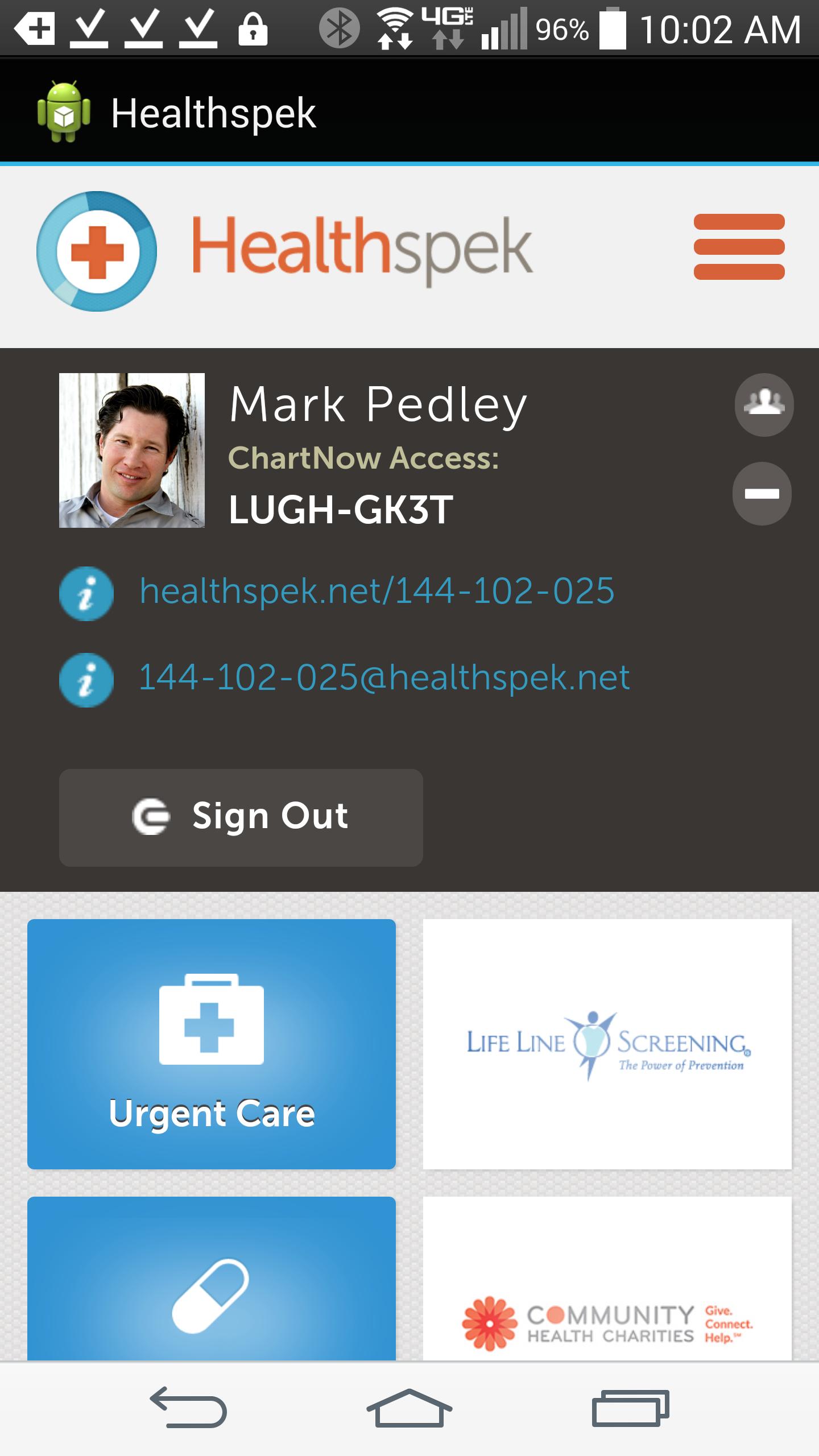
A loading window appears and the same network billing information selection pop-up appears, entering the main screen.
Do you want to quit ucloud office? rather than “Do you want to quit ucloud?” A pop-up phenomenon that says
▶ Main functions - Home screen (initial screen)
- Quick access to photos/documents/videos/music in a collection format.
- Provides automatic upload function
- File manager
- Storage box
- Notification area/capacity display
▶ Main function - Swipe from the right (my phone area)
- You can access photos/videos in the camera roll and upload them directly to ucloud office
We thank our customers for using ucloud office services, and we will strive to provide better services through continuous upgrades.
※ For other customer inquiries, please use email inquiries at office.ucloud.com.
[Access rights items and reasons for need for ucloud office Android app]
1. Required access rights
# Storage space (device photo, media, file access) permission: Permission required to store photos, videos, files, etc. in memory.
# Phone permission: This permission is required to stop music playback when a call is received while music is playing.
2. Selective access rights
# SMS permission: This permission is required for the message sending function in the file sending function.
# Address book permission: This is the permission required to access the address book registered in the phone when sharing, such as sending e-mail or sending text.
* You can use the service even if you do not agree to granting optional access rights.
* ucloud office Android app was developed to allow you to individually agree and set optional access rights for Android 6.0 or higher. If you are using a version lower than Android 6.0, please check whether the device manufacturer provides an operating system upgrade function and proceed with the upgrade. Additionally, even if the operating system is upgraded, the access permissions agreed to in the existing app do not change, so to reset the access permissions, you can reset them in the device settings menu.
----
Developer contact information:
100
Read more